How to Restore Files a User Deleted in SharePoint
Restore files deleted by a specific user in SharePoint with SPO Scout Pro. Scan both recycle bins and restore matching files in one action, without PowerShell.
Quick answer
SPO Scout's Recycle Bin Recovery (Pro) restores the files that one person deleted from a SharePoint site, in one action. You pick the person, optionally limit the scan to a deletion date range, and SPO Scout lists their files from the site recycle bin and the site collection recycle bin, up to the first 5,000 items of each. Restore All Files then puts every listed file back. SharePoint Online normally keeps deleted items for up to 93 days from their original deletion, although items can be permanently removed earlier, so restore as soon as you can.
When you need to restore everything one person deleted
Someone removes a folder by mistake, or cleans up a site too aggressively before leaving. The files are still in SharePoint's recycle bins, mixed in with everything else that was deleted on the site, and you need exactly that person's files back.
SPO Scout is a browser extension that adds an admin side panel to SharePoint Online in Google Chrome and Microsoft Edge. It runs inside your existing SharePoint session, so it needs no app registration or admin consent, and it sees and changes only what your signed-in account is allowed to see and change. More about the extension is on the SharePoint admin extension page.
Restore files a user deleted with SPO Scout
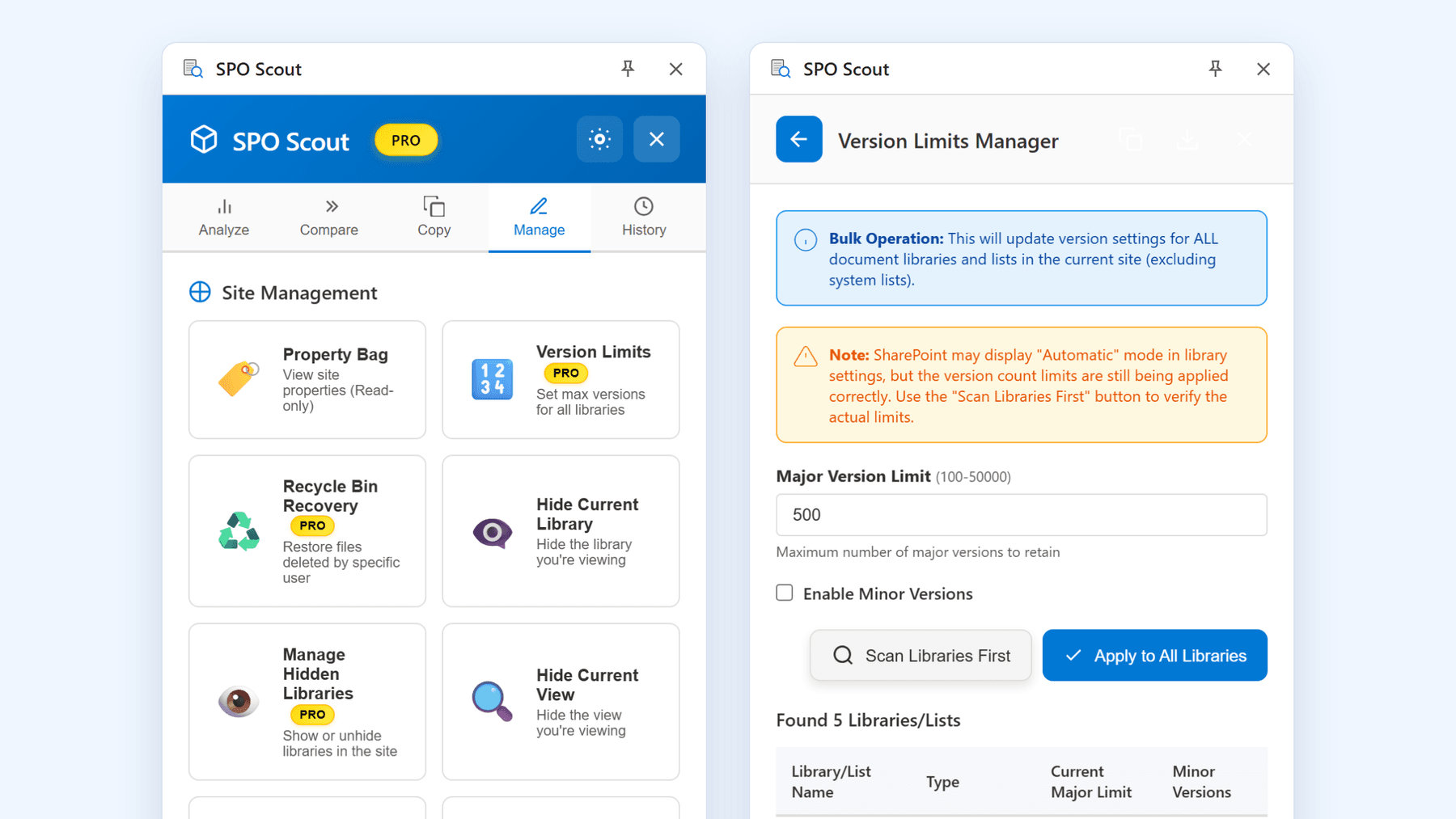
Recycle Bin Recovery is a Pro tool on the Manage tab. It works on the site that is open in your browser.
- Open the SharePoint site where the files were deleted.
- Open the SPO Scout side panel, go to the Manage tab and choose Recycle Bin Recovery ("Restore files deleted by specific user").
- Choose Load Users, then pick the person in User Email.
- Optionally set a Start Date and End Date for when the files were deleted.
- Choose Scan Recycle Bin. SPO Scout reads the site recycle bin and the site collection recycle bin, up to the first 5,000 items of each, and lists the matching files with File Name, Location and Deleted.
- Check the list, then choose Restore All Files and confirm. The confirmation reads: "This will restore ALL files deleted by" the chosen person "from the recycle bin."
SharePoint normally restores files to their original locations. If the original folder was deleted, SharePoint can recreate it during restoration. If the containing library was deleted, restore that library first. When a file already exists at the original path, SharePoint may append a number to the restored file's name, as described in restoring items from the recycle bin.
SPO Scout records the action in the History tab as Restore from Recycle Bin, with the number of files restored.
Scope and limits
- One site at a time. It works on the site open in your browser. It does not scan other sites or the whole tenant, and it does not run on a schedule.
- Up to 5,000 items per recycle bin. It reads the first 5,000 items of the site recycle bin and the first 5,000 of the site collection recycle bin.
- All or nothing. Restore All Files restores every file in the list; you can't pick individual files. To restore a few files, use the site's own Recycle bin page.
- Your SharePoint permissions apply. SPO Scout can only restore what your account is allowed to restore.
SharePoint content is read in your browser and is not sent to SPO Scout's servers; the only SPO Scout service the extension calls is the licence check. More detail is on the security overview.
Recycle Bin Recovery is part of SPO Scout Pro. On the Free plan, choosing it opens the upgrade dialog instead. Pro costs US$299 per tenant as a one-time payment valid for one year, nothing renews automatically, and one licence covers all admins in the tenant. See the pricing page for the Free and Pro plans.
Restore safely
- Narrow the scan first. Choose the person and the tightest date range that covers the deletion, so you bring back only what you need.
- Mind the 93 days. In SharePoint in Microsoft 365, items are kept for up to 93 days from the time they were deleted from their original location: in the site recycle bin, or in the site collection recycle bin if someone empties the site one. They can be permanently removed earlier, for example when the site collection recycle bin exceeds its quota or an administrator deletes them from it.
- Check where things land. A restored item goes back to its original path, so let the site's users know that files are coming back and where.
If you are restoring files for someone who is leaving, also check where they still have access: see reviewing SharePoint access during employee offboarding and how to check what a user can access in SharePoint.
Without SPO Scout: what it takes
- Find the person's files among other deletions in the site's recycle bin, select the relevant items and restore them. Check the second-stage recycle bin separately when necessary.
- Edit permissions on the site are needed to restore items that other people deleted.
- A second place to look. Items emptied from the site recycle bin move to the site collection recycle bin, which a site collection administrator opens separately (Microsoft's guide).
- Repeat per site the person deleted from.
Frequently asked questions
How far back can I restore files a user deleted?
As far back as SharePoint keeps them: up to 93 days from when each item was deleted from its original location, unless it was permanently removed earlier. Recycle Bin Recovery reads both the site recycle bin and the site collection recycle bin, up to the first 5,000 items of each, so it finds files in either stage within that window.
Can I restore only some of the files?
Not with Recycle Bin Recovery: it restores every file in the list. Narrow the list with the date range, or restore individual files from the site's Recycle bin page.
What permissions do I need?
SPO Scout runs in your existing SharePoint session and sees and changes only what your account is allowed to. In SharePoint, restoring items that someone else deleted needs edit permissions on the site, and the site collection recycle bin is for site collection administrators.
Is Recycle Bin Recovery included in the Free plan?
No. It is a Pro tool; on the Free plan, choosing it opens the upgrade dialog.
Related guides
- How to Review SharePoint Access During Employee Offboarding →
When someone leaves, disabling the account isn't enough. SPO Scout shows their direct and group access on each site, and each library's sharing links (Pro).
- How to Check What a User Can Access in SharePoint →
SPO Scout's free User Permissions Report shows, in one search, what a person is granted directly or through SharePoint groups on a site and its lists.
- How to Reduce SharePoint Storage by Controlling Version History →
Version history quietly consumes a large share of SharePoint storage. Learn how to measure it, set sensible version limits, and reclaim space safely.